
WordPress Login: How to Log In to Your WordPress Site
Wondering how to log in to your WordPress site or where the admin URL actually is? It's simpler than you think.
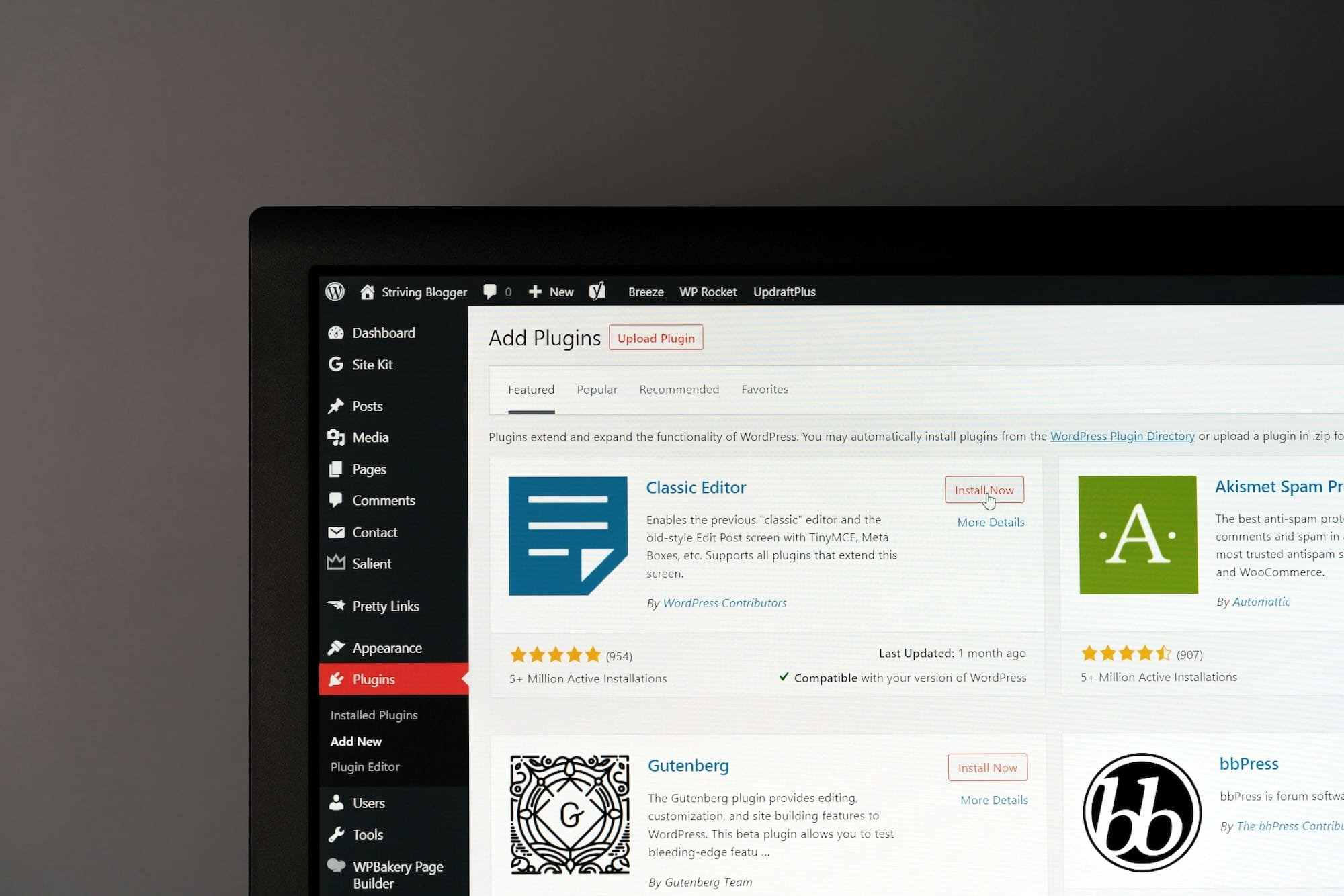
Logging in to your WordPress dashboard is how you reach the admin area of your website. But where exactly do you log in to WordPress admin? It’s actually very simple.
Where is my WordPress login page?
If you’re not sure where your homepage’s web address is, head over to your website’s homepage. Its URL sits right at the top of your web browser, in the address bar. You can click on it to edit it, and add /wp-admin/ to the end.
Video showing how to reach the WordPress admin login page
It really is that simple. You now know exactly where to go to log in to your WordPress admin area.
FAQ
I forgot my WordPress username or password — how do I recover it?
Don't panic, it happens to everyone. On the /wp-login.php page, click "Lost your password?" and WordPress emails you a reset link. If you've also lost access to that email address, your hosting provider can reset the password directly in the database for you.
Where do I find my WordPress login details for the first time?
They're the ones you set when you installed WordPress. If your host installed WordPress for you, the credentials are usually in your welcome email or inside your hosting dashboard. When in doubt, their support team can always dig those details up quickly.
What should I do if /wp-admin shows an error or won't load?
First, clear your browser cache and try again — that's the culprit more often than not. If the error sticks around, it usually comes from a recently installed plugin or theme, and your host can deactivate them for you. A blank white page almost always hides a simple conflict, not a disaster.
What's the difference between /wp-admin and /wp-login.php?
/wp-login.php is the real login page, the one where you type your credentials. /wp-admin is the dashboard once you're logged in: if you're not signed in yet, WordPress automatically redirects you to /wp-login.php. In practice, typing /wp-admin is enough to land in the right place.
How do I stay logged in with "Remember Me," and how long does a session last?
Ticking "Remember Me" at login stretches your session to fourteen days instead of two. Very handy on your personal computer, best avoided entirely on a shared machine. Without the box checked, you stay logged in for two days before WordPress asks for your credentials again.
Comments