
WordPress.com vs WordPress.org: Which One Should You Choose to Build Your Site?
When you set out to build a site with WordPress, you quickly bump into the .com and the .org. What actually sets them apart?
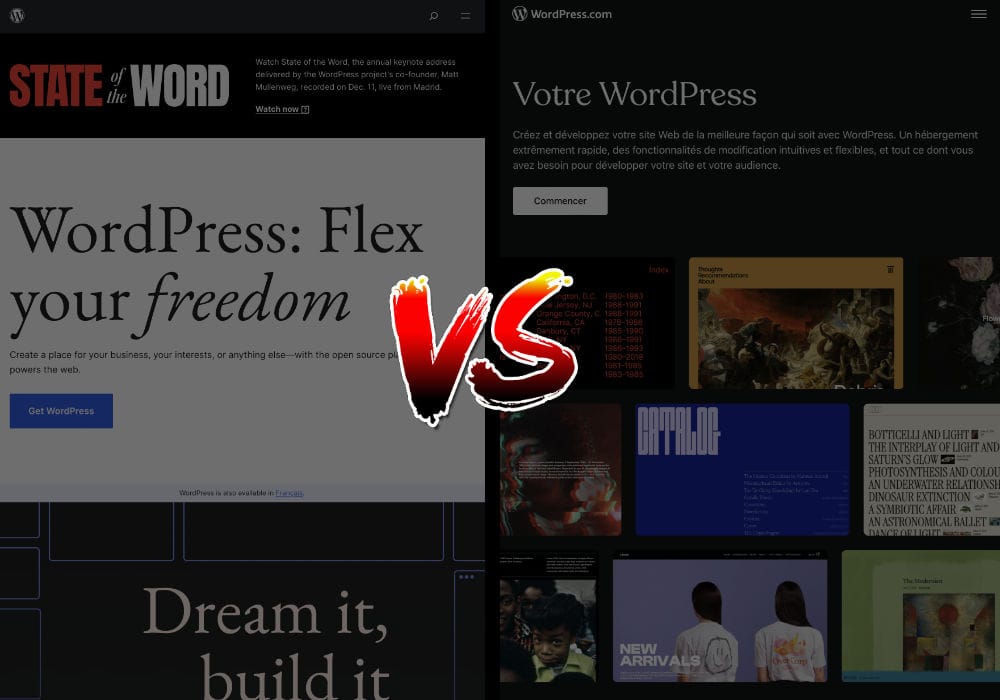
You’ve almost certainly heard that WordPress is the best way to build a website. But when you search WordPress on Google, you land on two results: WordPress.com and WordPress.org. Even though both platforms let you create your site, their philosophies are worlds apart.
To go further, here are some details about each of these platforms.
WordPress.com: a hosted, proprietary platform for building your site starting at around $48 a year
To really understand this offer, let’s remind ourselves what a WordPress site is mostly made of:
- a theme, to work on its appearance. There are free ones, often fairly bare-bones, and premium ones that bring more features and customization
- plugins, which add new features to WordPress
What WordPress.com offers
WordPress.com has several plans, whose price climbs with the features you want. Let’s set aside the free WordPress.com plan, which lets you start a site with no domain name and with ads, and holds no real interest for professional use. The first plan, Starter, gives you a site pre-installed with WordPress for around $48 a year, along with a domain name of your choice whose ~$18-a-year cost is covered for the first year. So you’ll pay roughly $66 a year from year two onward. Storage on this plan is 8 GB, which is fine for a typical site. With the Starter plan, you get a WordPress install you can work from using free themes only. No premium themes, then, and also no way to install whatever plugins you want, no automatic backups, no Google Analytics stats. Suffice to say I find this plan very limiting. To get all of that, which to me is the bare minimum for actually controlling your site and growing it at will, you have to pick the Creator plan, at around $300 a year, then about $318 a year from year two. Note that e-commerce features exist in the cheaper plans, but stay capped on the number of products, international payments and shipping carriers. You’ll be better off with the Entrepreneur plan at around $540 a year, then roughly $558 a year from year two.
My take on WordPress.com
You’ll be hard-pressed to find a developer singing the praises of a proprietary platform as locked-down as WordPress.com, especially since its upsides look thin next to competitors like Wix, Squarespace or Shopify, which offer far more intuitive interfaces or better-integrated services. If you’re going to pick a closed, proprietary platform, you might as well use one of those instead! WordPress.org, on the other hand, is the freedom to make your WordPress into whatever you want, provided you’re willing to take an interest in how it’s configured and how a website works. Good news: that’s exactly what the site you’re on is all about! 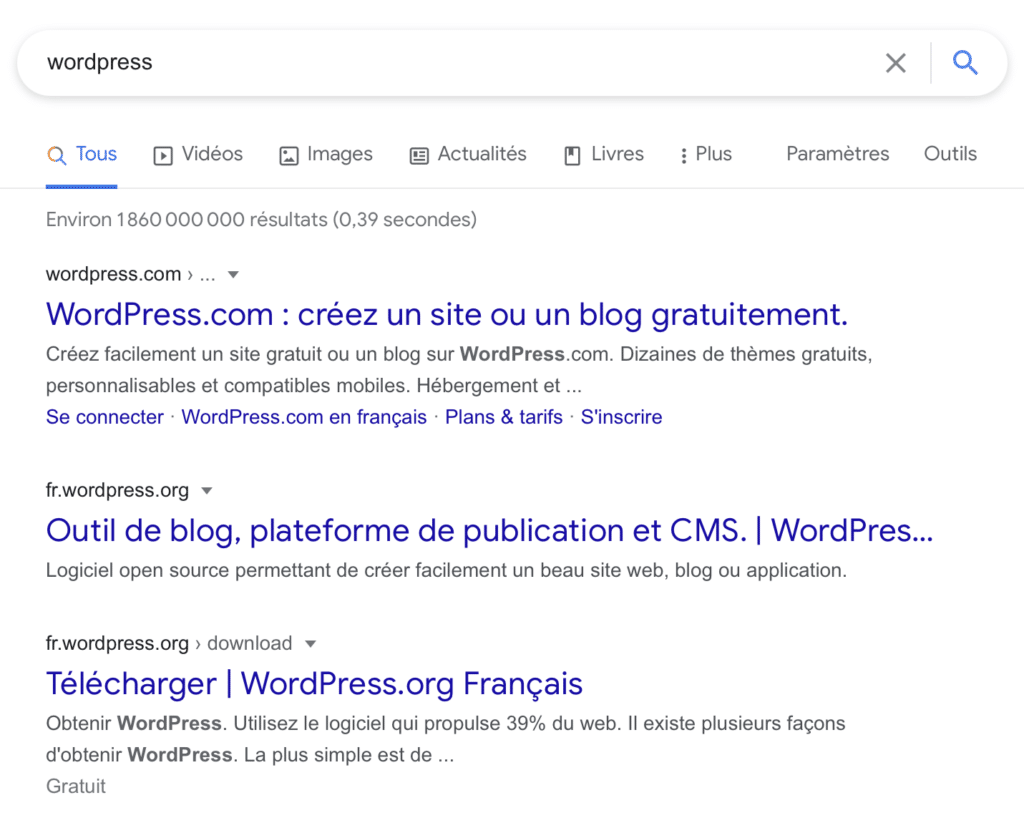
The confusion is easy to fall into, especially on Google where the two sites show up one right below the other
WordPress.org: the place to download WordPress, browse free plugins and themes, chat with their developers and read the official documentation
Originally, WordPress is the name of a set of files that let you build your own website. You can use them freely and for free, with no strings attached. Where WordPress.com automatically installs the WordPress files only to then throttle what they can do depending on your plan, you can download a WordPress archive straight from WordPress.org to install it wherever you like (on a web host or directly on your own computer using MAMP / WAMP / LAMP), and do whatever you want with it afterwards. 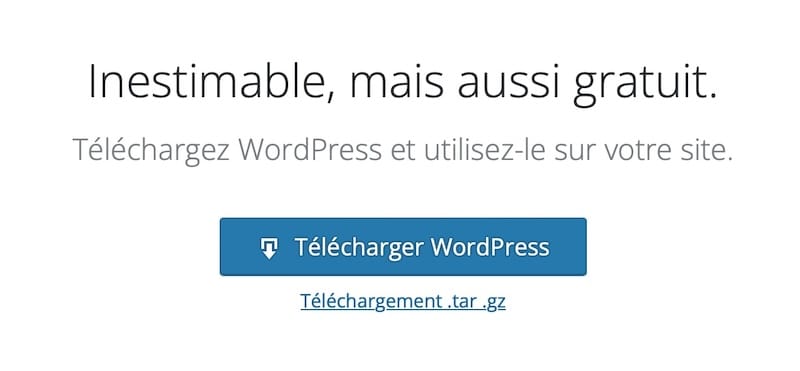
The place to download the free, open source WordPress archive on the WordPress.org site
On WordPress.org you’ll find several tabs, including ones listing the free themes, the free plugins and their ratings, the platform’s news, and the technical documentation for those who build with WordPress in PHP. There’s no need to bookmark these various links, since it’s more practical to run a Google search to find the right plugin or the right documentation page. Compared to WordPress.com, setting up your WordPress will be less guided and take a little longer. But the upsides are far from trivial: total freedom and autonomy, and far lower costs. That’s exactly why I created Wooordpress.com: to teach anyone who wants to build their own WordPress how to do it fully on their own. And keep in mind that premium themes and plugins built for WordPress can add layers of usability that get close to the Wix or Squarespace interfaces, like the Avada WordPress theme I cover here, which is one of the most widely used themes in the world.
FAQ
Is WordPress.org really free? What does it actually cost?
The WordPress.org software is 100% free and open source. But to put it online, you pay for web hosting (often $5 to $12 a month) and a domain name (around $15 a year). So expect a modest real-world budget, without ever handing a single cent to WordPress itself.
Can I move from WordPress.com to WordPress.org later?
Yes, migration is possible: WordPress.com gives you an export tool for your content (posts, pages, media) that you then re-import into your WordPress.org install. Plan on reconfiguring your theme, plugins and settings, because those don't come along for the ride. Better to aim for the right choice from day one and spare yourself the rework.
Which version is best for a total beginner with zero technical background?
If you want to run away from anything technical, WordPress.com Starter sets everything up for you. But honestly, it boxes you in fast. I'd rather point you to WordPress.org with a host that offers one-click installation: you keep full freedom without diving into code, learning at your own pace.
Can you install plugins and themes on WordPress.com?
Not freely. The Starter and free plans on WordPress.com forbid installing your own plugins and limit you to their free in-house themes. You have to climb to the Creator plan, at around $300 a year, to get that freedom back. On WordPress.org, themes and plugins install with no restrictions whatsoever, right from the start.
WordPress.com or .org for an online store (WooCommerce)?
WordPress.org, no contest. WooCommerce is free there, with no limits on products, carriers or payment methods. On WordPress.com, full-blown e-commerce requires the Entrepreneur plan at roughly $540 a year. If you're serious about selling, self-hosted works out cheaper and leaves you fully in charge of your store.
Comments